 Zone2 Engine
 Best experience
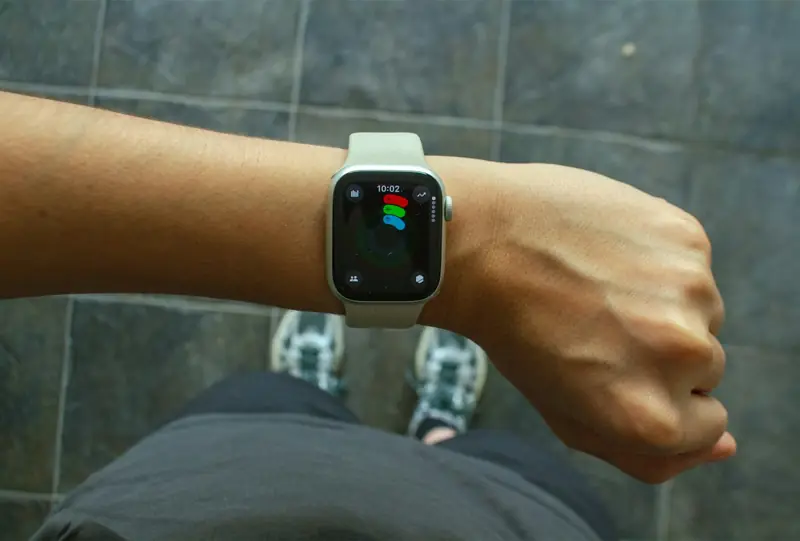
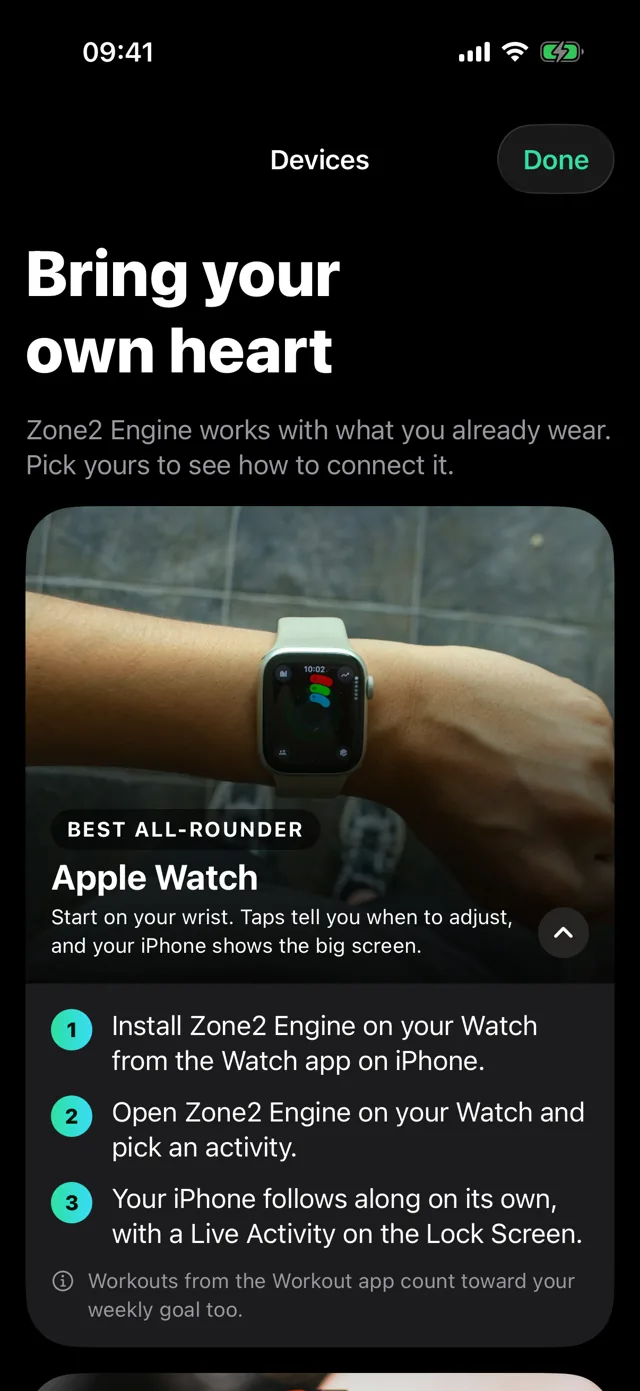
Apple Watch
A Watch app with haptic coaching on your wrist, synced with your iPhone.
An AI coach that plans your week around the days you can train, then live heart rate coaching keeps you in Zone 2. Easy minutes, real results.







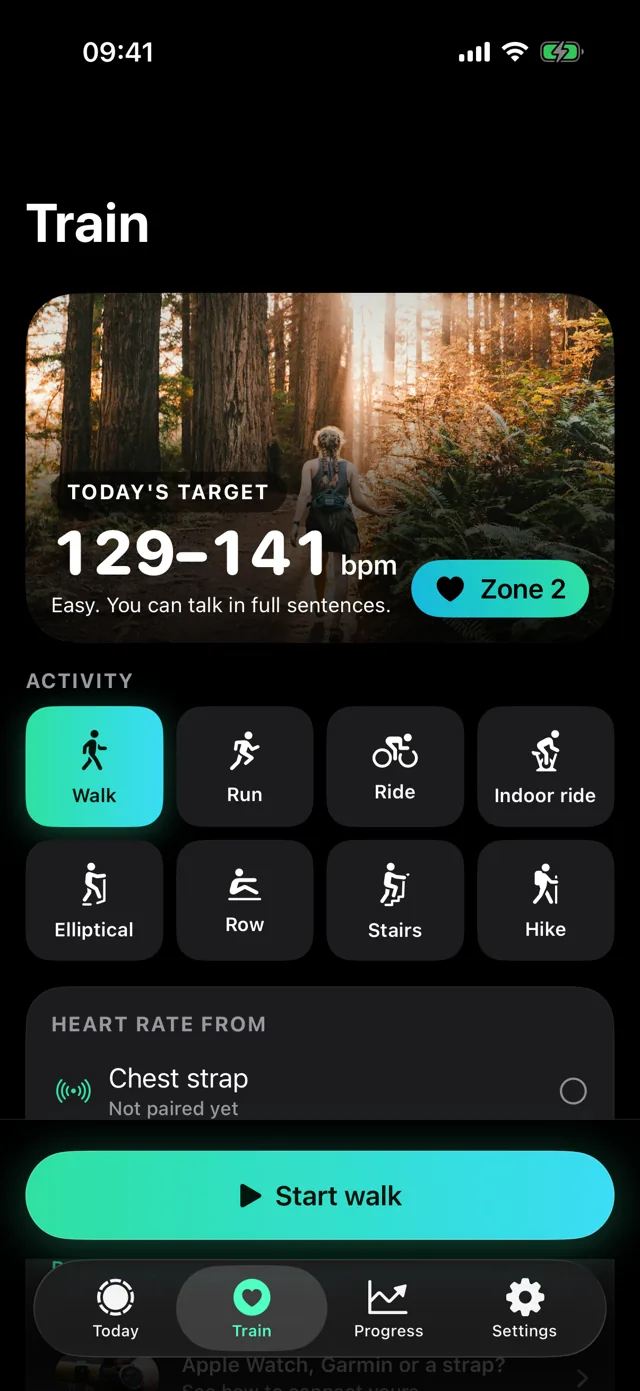
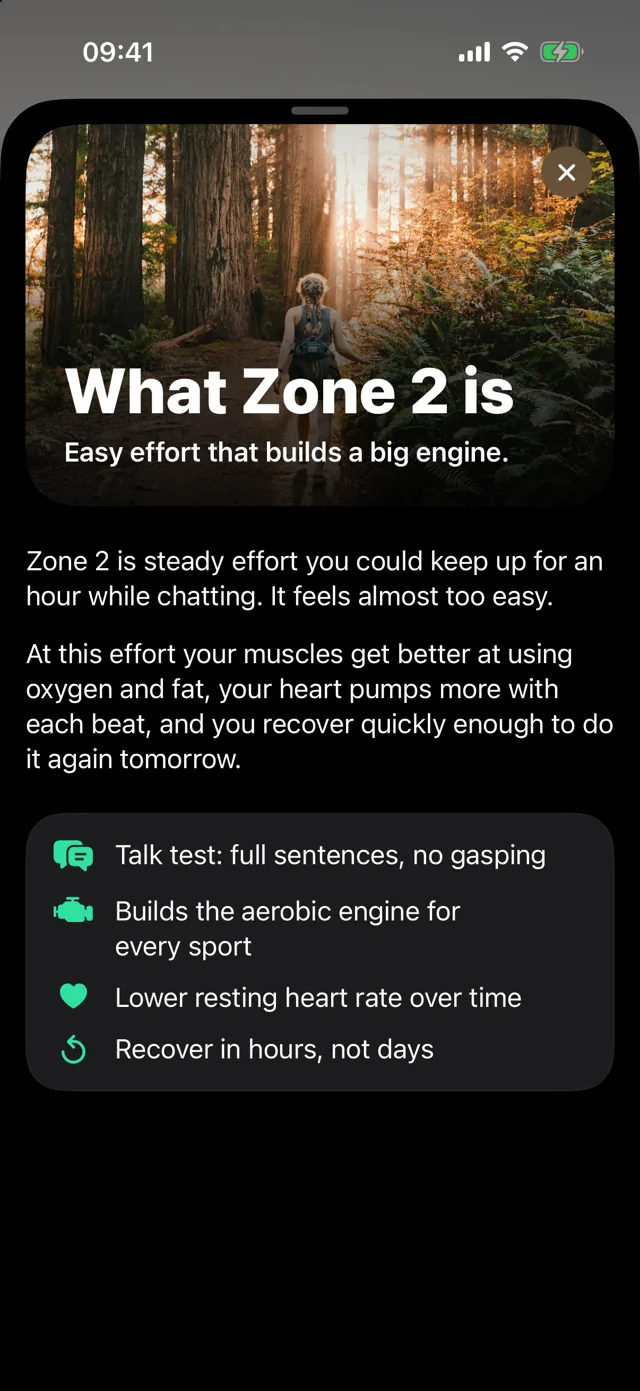
Your heart rate falls into five zones. Zone 2 is the steady one, and it's where most of your training should live. Tap a zone to see how it feels.
Steady and comfortable. You can talk in full sentences. This is where your heart and muscles get better at burning fat for fuel, and you recover by tomorrow.
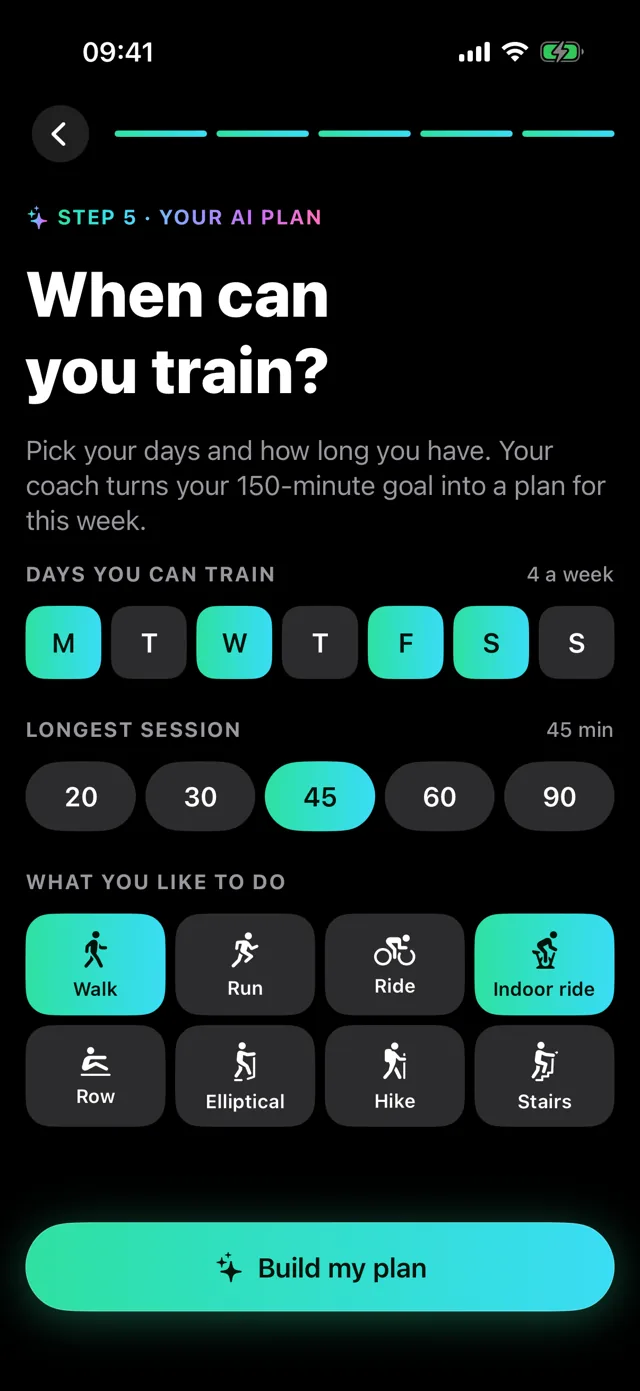
Pick the days you can train, how long you have and what you like doing. Your coach turns your weekly goal into sessions, then rebuilds the plan every time a workout lands.
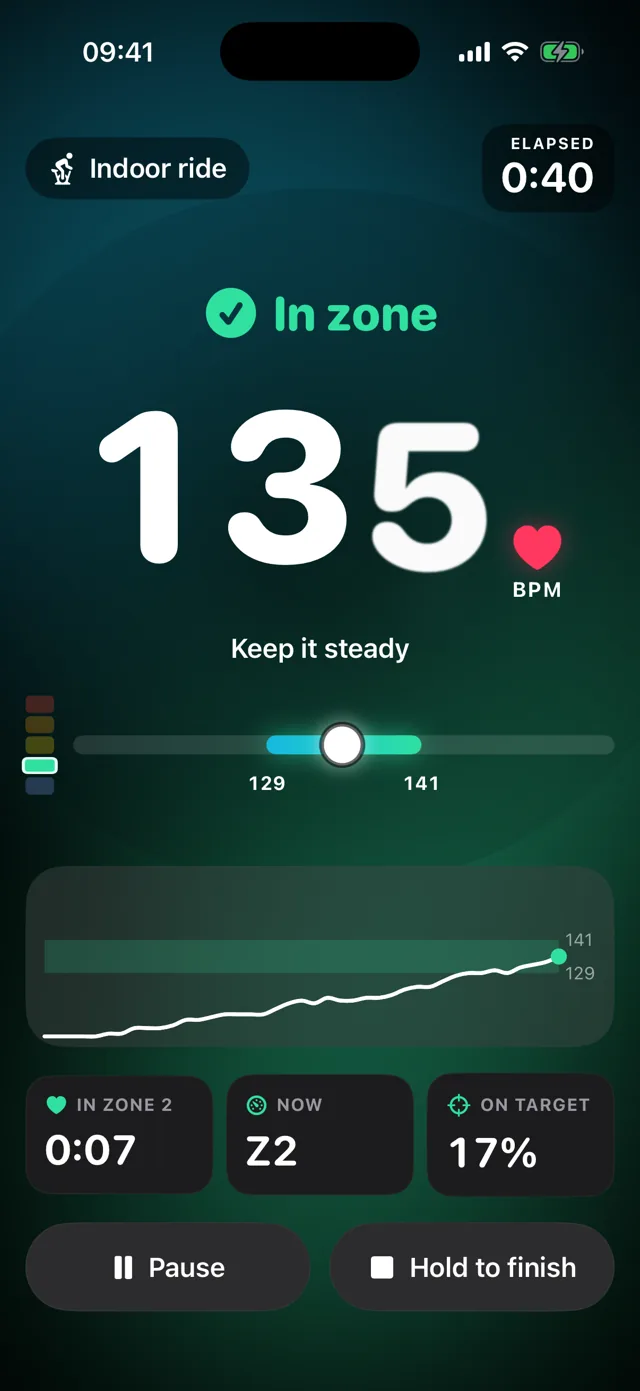
The screen glows in your zone colour and says it plainly. A heart that beats with yours, a live chart against your target band, calm haptics on your wrist and voice cues in your AirPods.
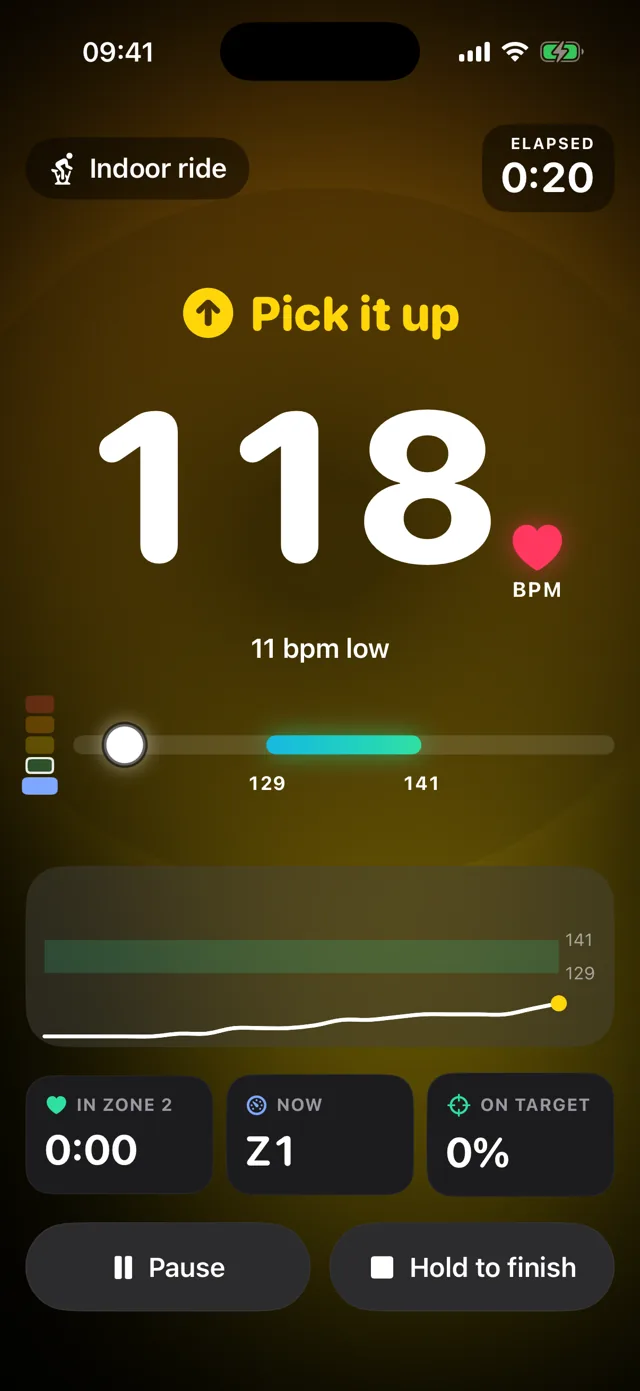
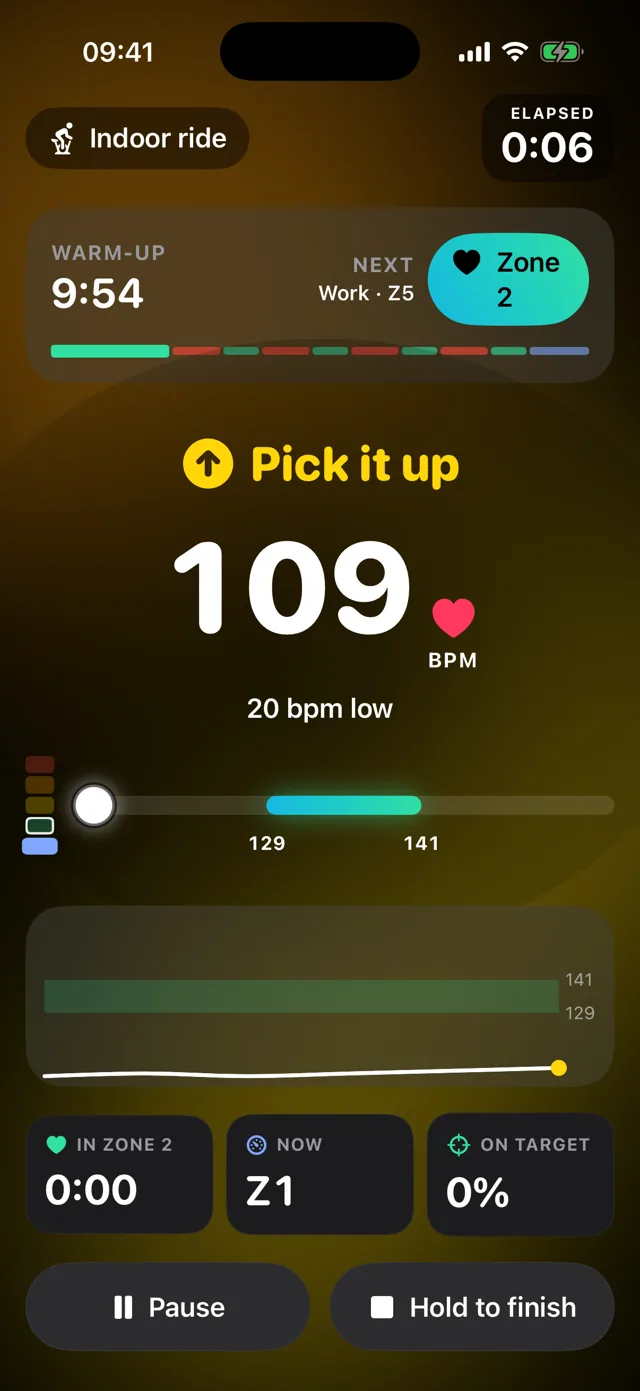
Below your band. A gentle nudge, never a siren.
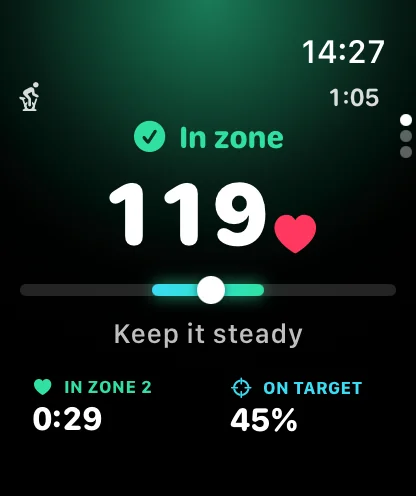
Right where you should be. Keep it steady and enjoy it.
Drifting into Zone 3. Slow down a touch, you'll get more from it.
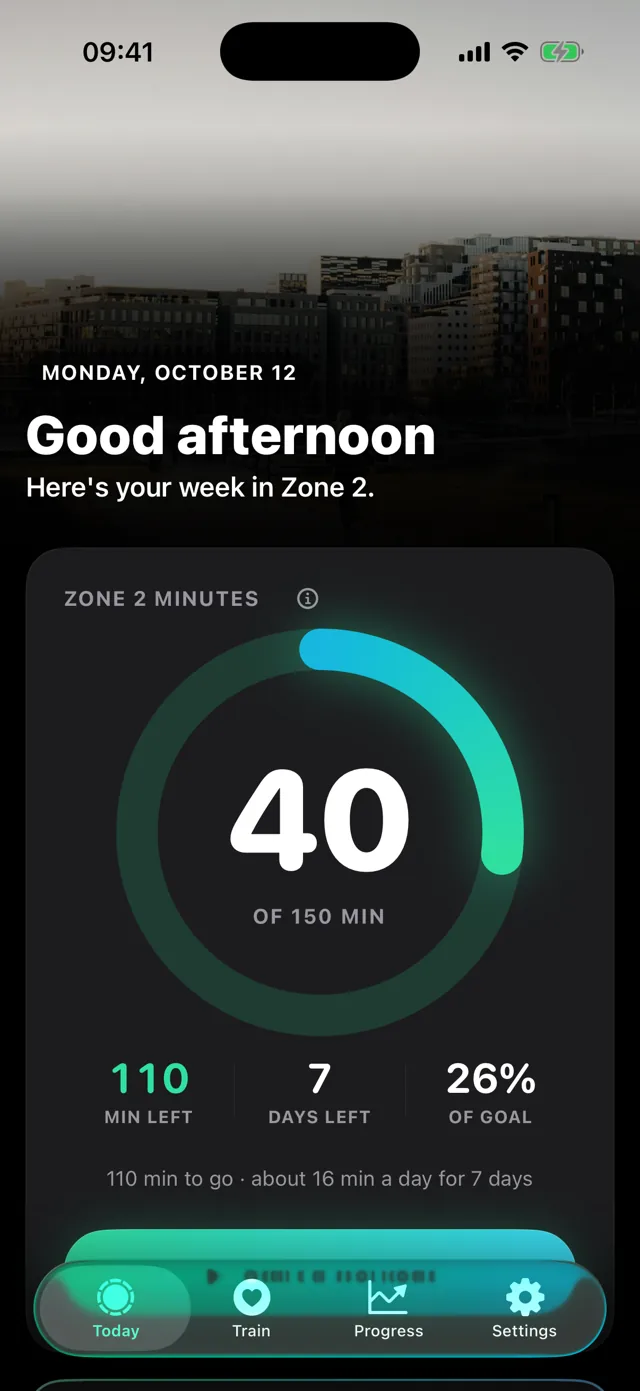
The Watch app reads your heart rate from your wrist, glows in your zone colour and taps you when to ease off or pick it up. Your weekly ring and today's coach line come along from your iPhone.
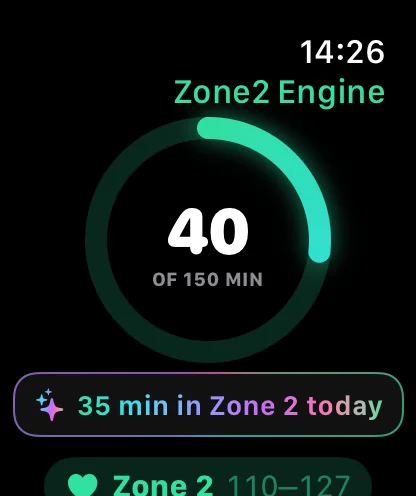
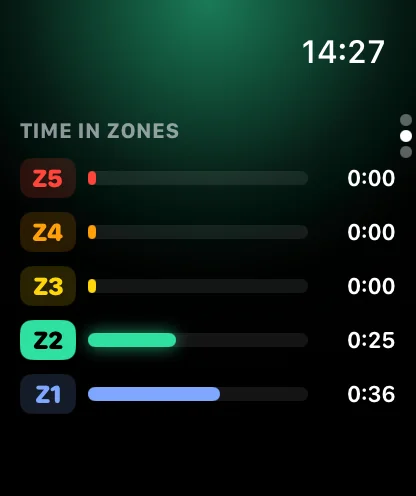
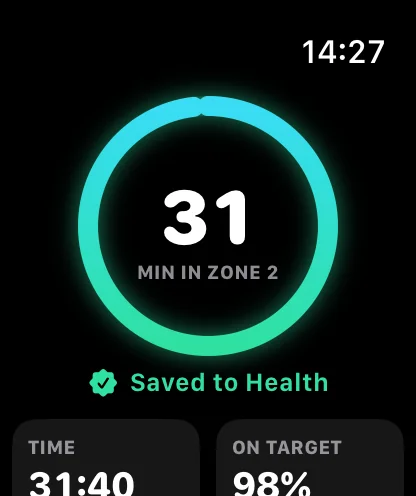
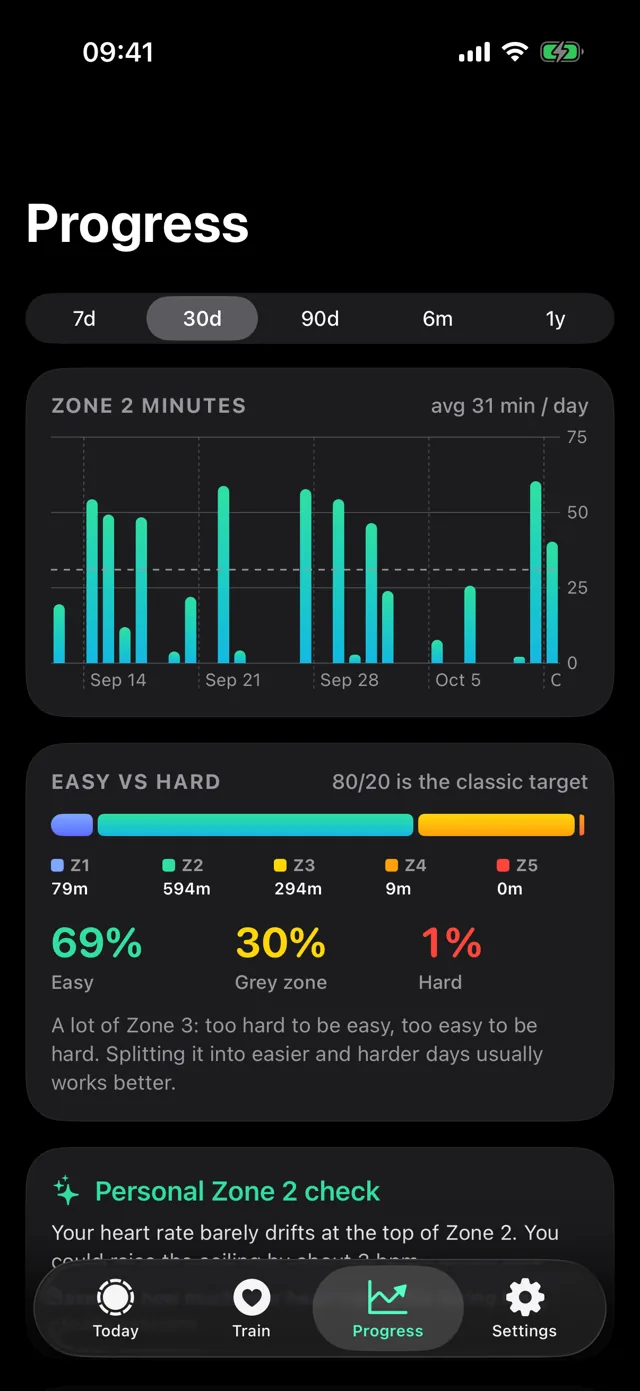
Set a weekly goal, like 150 minutes. Every workout with heart rate in Apple Health counts: walks, runs, rides and rows, recorded here or anywhere else.
Your sensor is pinned and reconnects on its own. If the app is closed mid-workout, the session is recovered.
Best experienceA Watch app with haptic coaching on your wrist, synced with your iPhone.
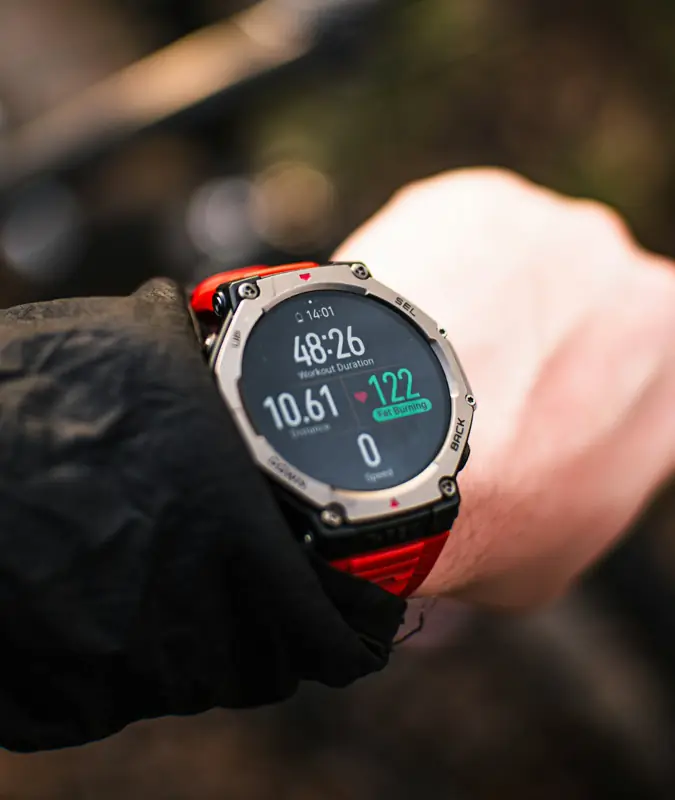
Turn on heart rate broadcast and your watch pairs like a strap.
 Most accurate
Any standard Bluetooth heart rate strap: Polar, Wahoo, Garmin, COROS and more.

No sensor today? Your weekly ring still fills from workouts in Apple Health.
Plans and coaching are written by Apple's model on your iPhone. No cloud AI, no API calls.
No sign-up, no email, no password. Open the app and train.
Heart rate and workouts are never sent to us or used for ads. Read the policy.
Short illustrated explainers sit behind every metric, so you always know why.
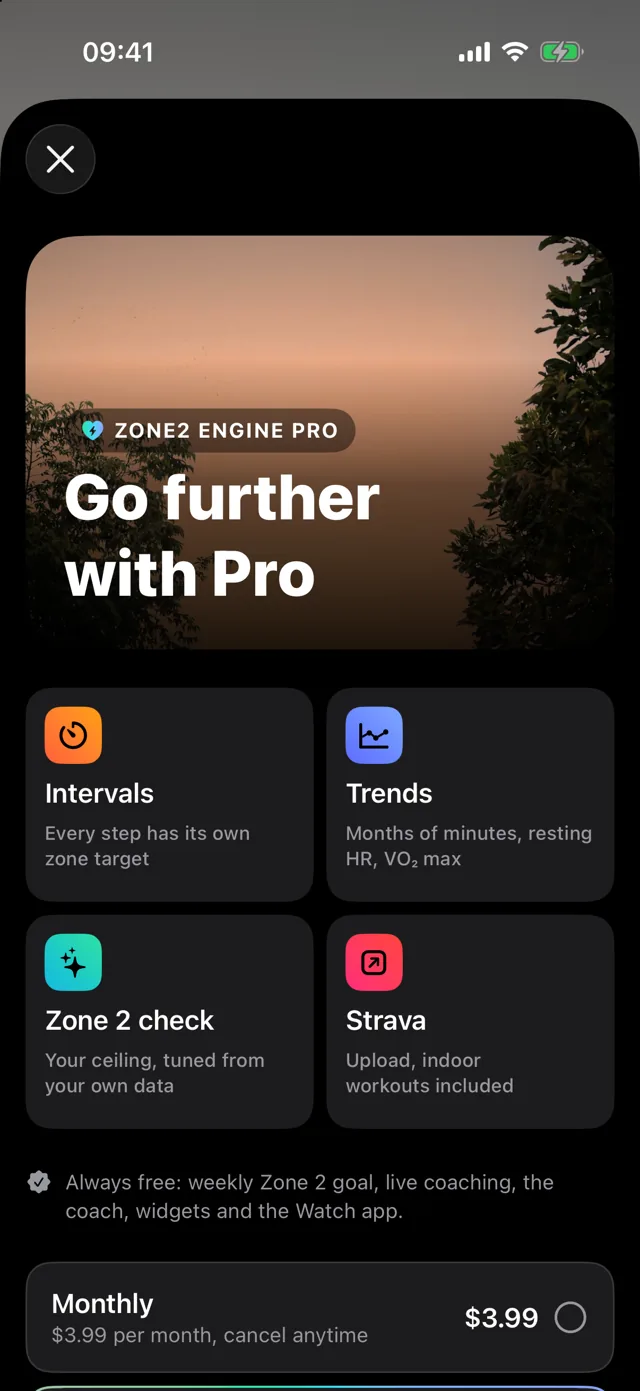
Prices in USD; local prices are shown in the App Store before you pay. Cancel any time in iOS Settings.
No. Any Bluetooth chest strap works with just your iPhone, and so do Garmin and other watches that broadcast heart rate. Without a sensor, your ring still fills from workouts other apps save to Apple Health.
Your first week's plan is free. After that, the AI weekly plan is part of Pro, with a free trial on the yearly plan. Live coaching, your weekly ring, the daily coach, widgets and the Watch app stay free forever.
No. On iPhones with Apple Intelligence, the plan and coaching are written by Apple's on-device model. On other iPhones the same plan is built by the app's training rules, with simpler wording. Either way, nothing is sent to a server.
From your age and resting heart rate in Apple Health. You can switch between five methods (% of max, heart rate reserve, threshold, MAF 180 or manual), and the app suggests adjustments based on how your heart rate drifts on long, easy sessions.
Yes. Any workout with heart rate in Apple Health counts toward your week, from Apple Fitness, Strava, Garmin Connect, Peloton and others.
No. Zone2 Engine is a training tool, not a medical device. Talk to your doctor before starting a new exercise program.
Coming soon. Zone2 Engine launches first on iPhone and Apple Watch, with Android on the way. Want a heads-up when it's ready? Email us and we'll let you know.

Zone2 Engine is almost ready for iPhone and Apple Watch. Questions or want early access? Drop us a line.